Creative subscription
New components, updates and documentation every month, planned with your project manager.
- Buzz$3,995 / month
- Hive$7,980 / month
- Swarm$15,960 / month
The visual work that brings your brand into the world.
Specialist skills for digital products, content and production.
Human creative direction, with AI used where it helps.
Campaign planning to connect creative decisions with marketing priorities.
Design for your industry, from the same team.
Tokens, components and clear rules, built from the screens you already have. Decide once, and every new screen follows.
Book a call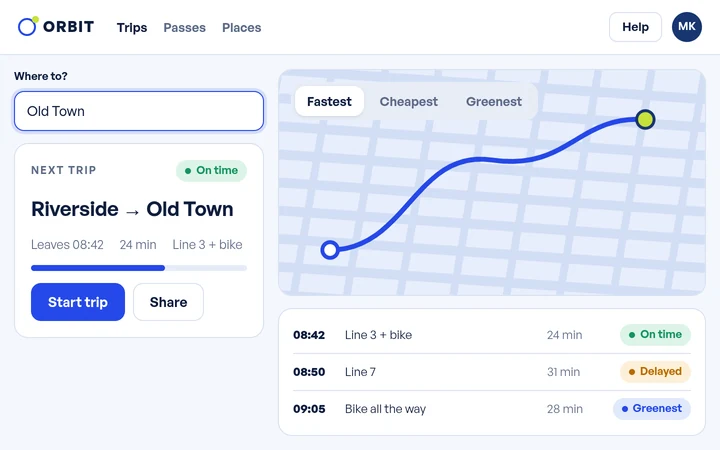
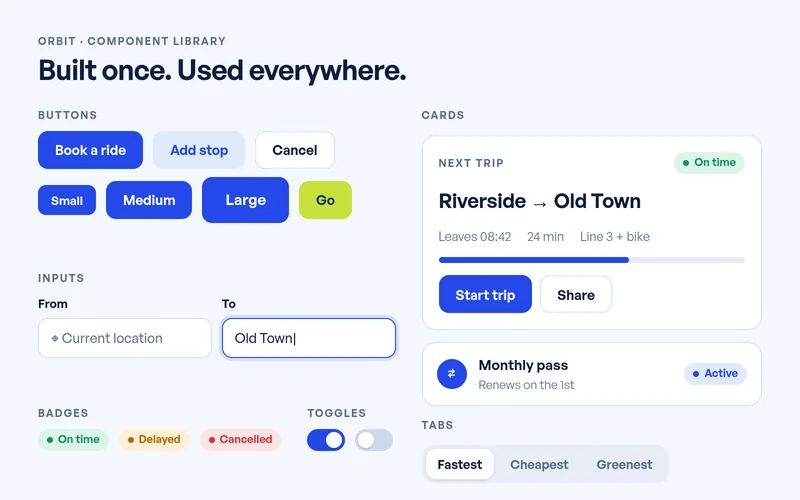
What you can request: Design system creation, Design system audit, Design tokens and foundations, Component libraries, Patterns and states, Responsive rules, Documentation and guidelines, System upkeep and updates.
Brands we’ve designed for
Each feature brings its own buttons, colours and spacing, until the product feels like several products.
A design system makes those decisions once. We name them, build them into components and write down how to use them, so the next screen starts from what already works.
Book a call →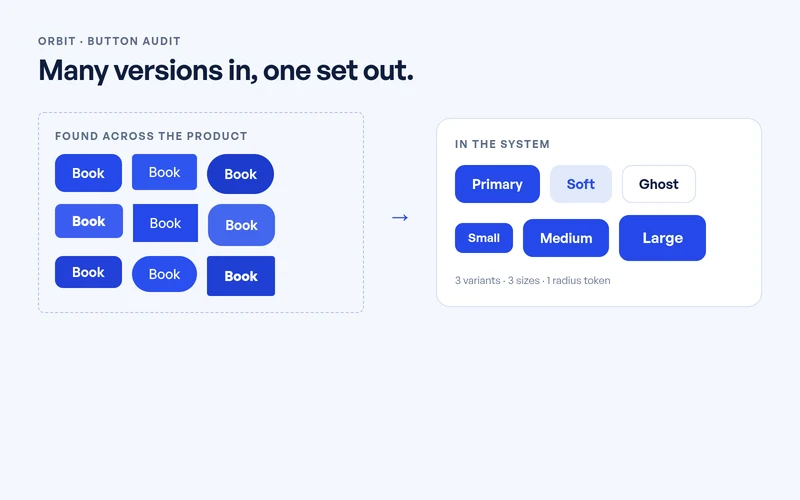
Start with an audit or hand us the whole system. Every part comes from the same team, so the tokens, the components and the guidelines fit together.
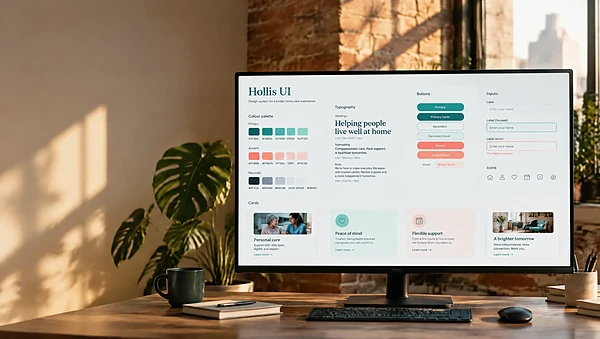
A new system from the ground up: foundations, components and the rules that join them.
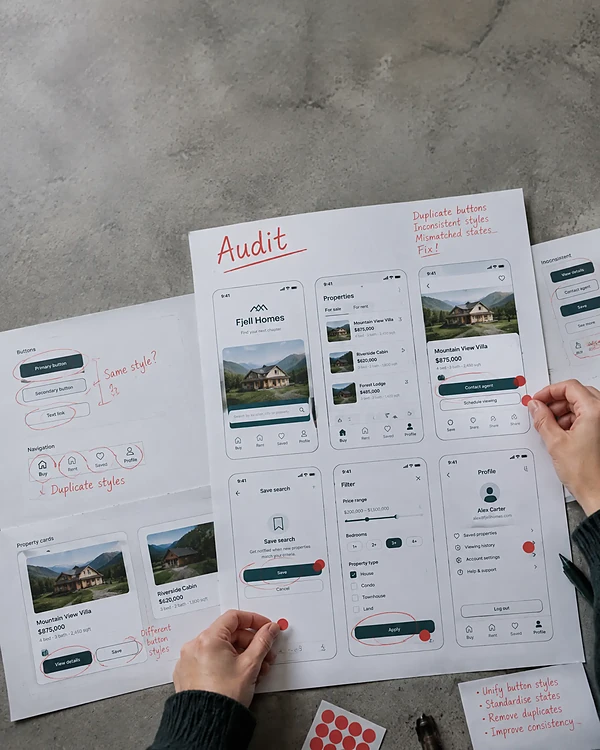
A map of what your product uses today, with the gaps and the duplicates marked.
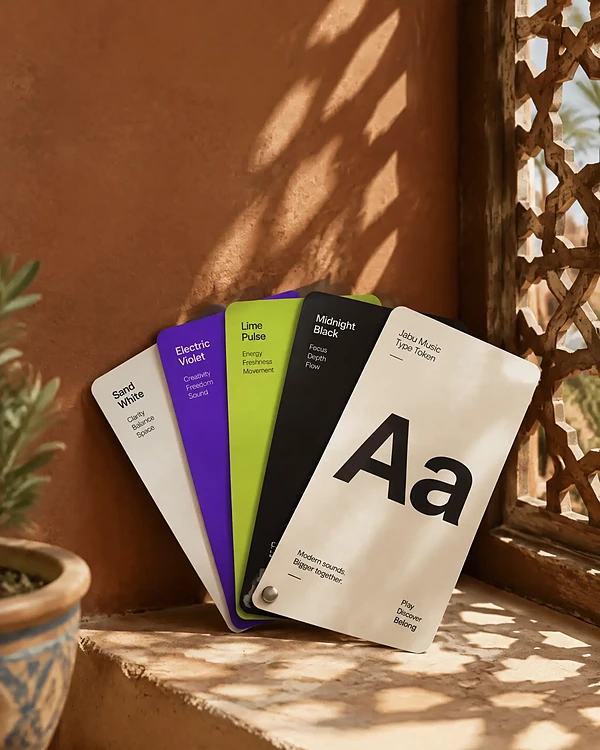
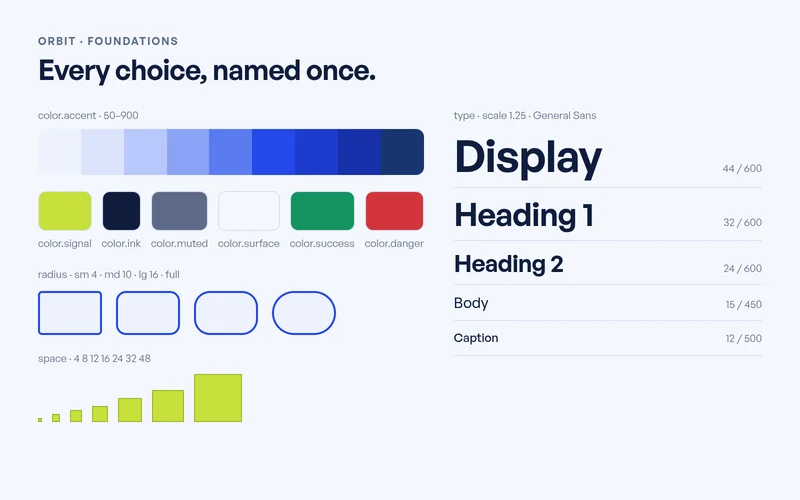
Colour, type, spacing and radius, named once and used everywhere.
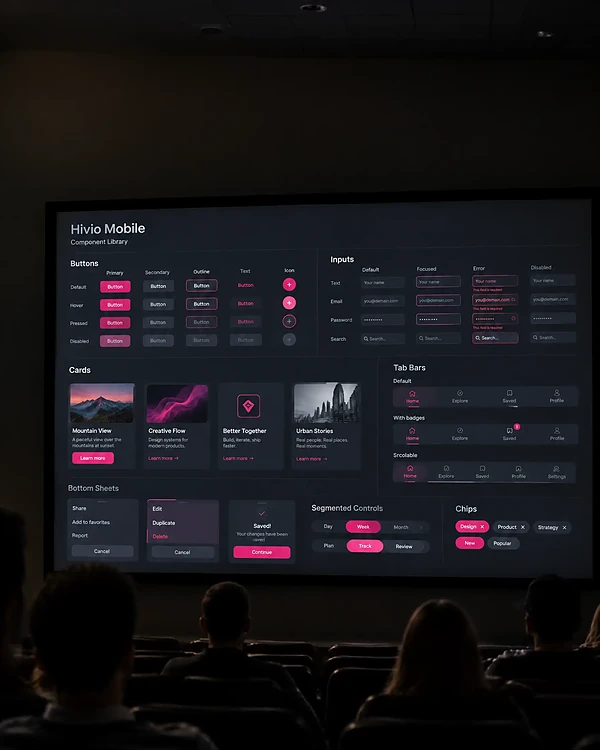
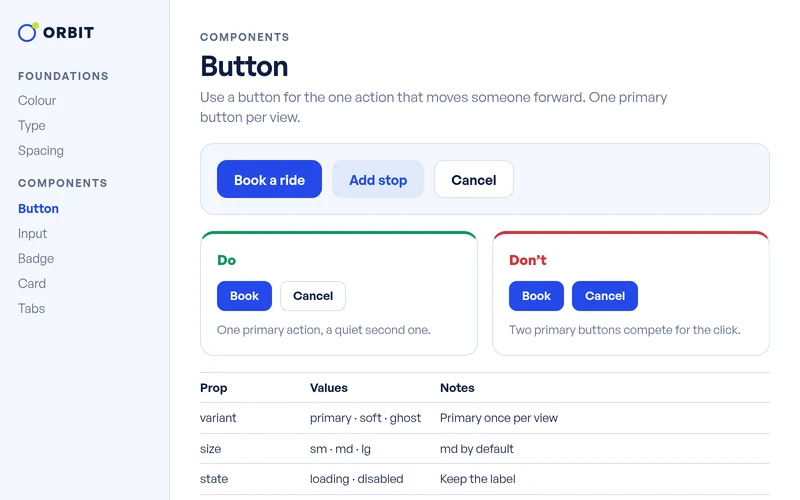
Buttons, inputs, cards and navigation, with every variant your screens need.
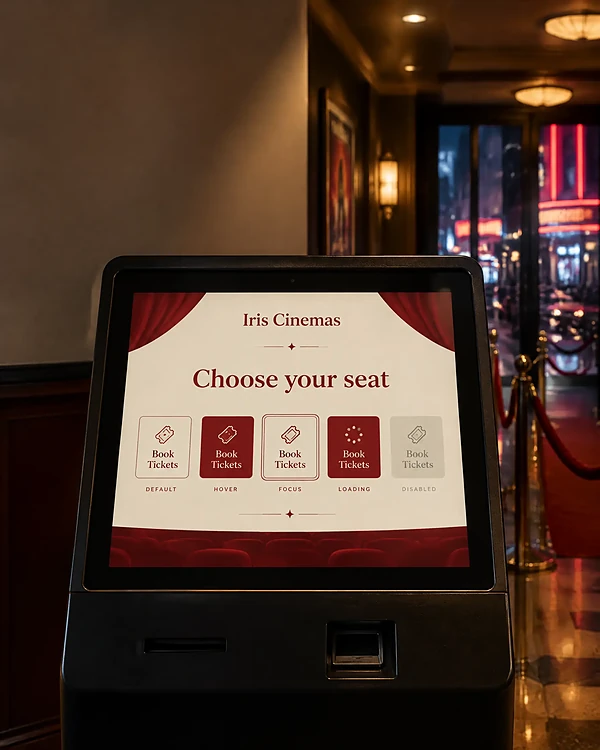
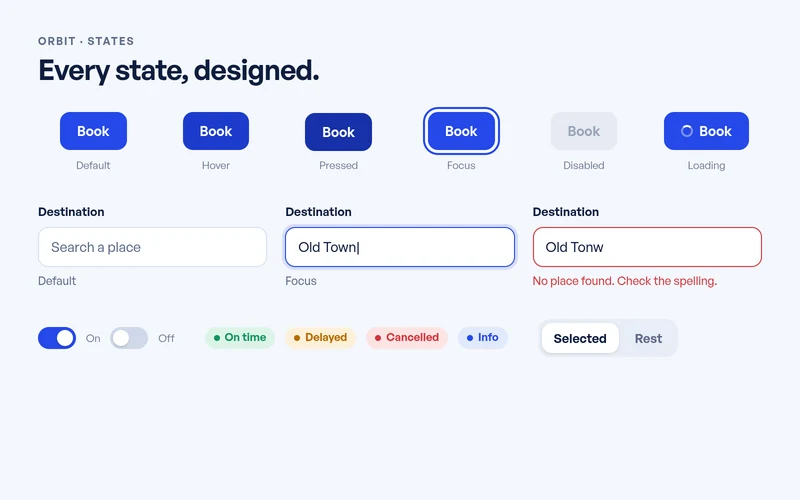
Hover, focus, error, loading and disabled, designed before anyone has to ask.
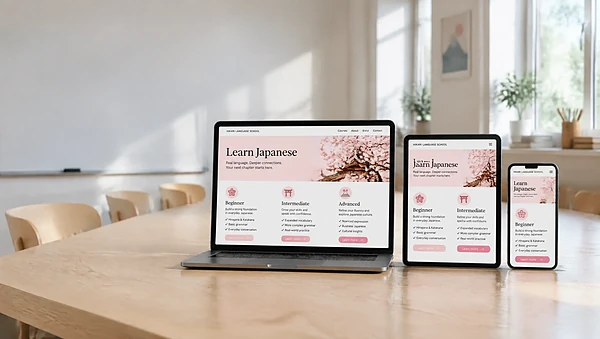
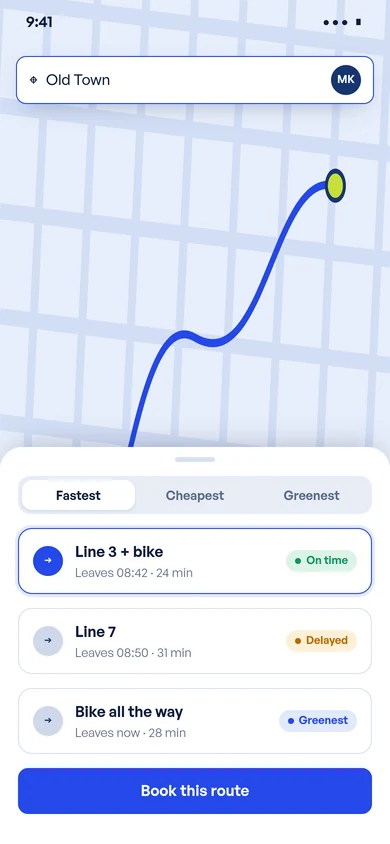
How each component behaves on a phone, a tablet and a desktop screen.
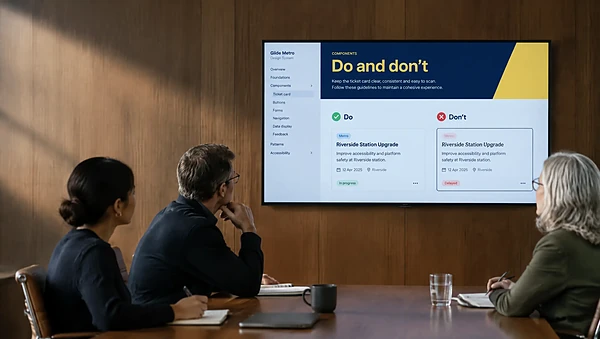
Usage notes and do’s and don’ts, so new people use the system the same way.
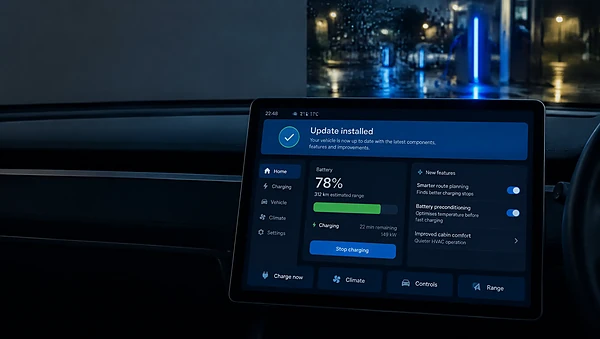
New components, fixes and accessibility checks as your product grows.
Change one token, like the accent colour or the corner radius, and every component follows. Watch it run, or pick one yourself.
#2548E814px× 1.25lightEvery request runs through Studio, our own app, so you always know which part of the system is in design, in review or ready to use.
See how we work →We map the screens, components and styles your product uses today and agree where the system starts.
Colour, type, spacing and radius become named tokens, checked for contrast before anything is built on them.
We design the parts your screens use most, with every variant and state, from real product cases.
Pin a comment right on the component. One click approves it, so nothing enters the library unseen.
Components in Figma and in code, with usage notes your designers and developers can follow.
AI sorts screens into patterns and checks colour contrast. A designer decides what goes in and checks every component.
Screens grouped by the parts they share, as a first map for the audit.
First drafts of usage notes, rewritten by a designer in your words.
Every colour pair tested, so text stays readable on every surface.
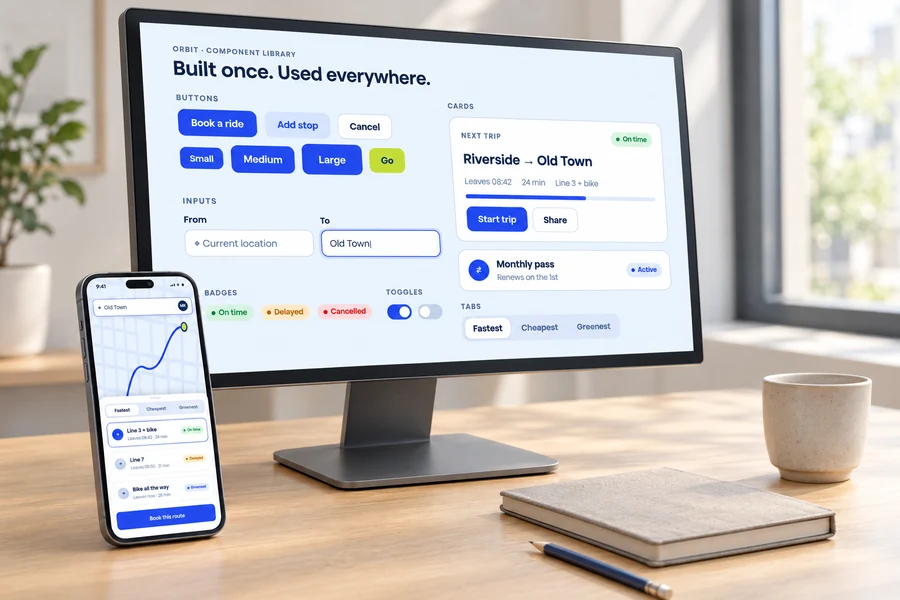
Keep us on to grow your system as the product changes, or bring us one audit or one build.
New components, updates and documentation every month, planned with your project manager.
An audit, a set of foundations or a full component library, with a set scope and date.
Scoped from your brief
Discuss a projectTap a question. The answer lands in the chat.
Audits, design tokens and foundations, component libraries, patterns and states, responsive rules and documentation, plus upkeep as your product grows. We agree the scope, the components and the review rounds before we start.
See what you can request →Yes. We build the components in code alongside the Figma library, with the tokens, states and usage notes. If your engineers prefer to build it themselves, we hand over specs they can follow.
How we work →Monthly plans start at $3,995 if you want the system built and looked after over time. A one-off audit or build is scoped from your brief: how many products, screens and components it needs to cover.
Compare plans →It depends on the size of the product and how much exists already. We plan it in stages, with the foundations and the components your screens use most first, and confirm every date before work starts.
How we work →Yes. We start with an audit of what you have, keep what works and fill the gaps, so your teams don’t have to relearn everything at once.
Book a call →Yes. Shared foundations can carry several brands or products: the tokens change the look while the components stay the same. We plan that structure during the audit.
Book a call →Yes. The same tokens can carry into email templates and landing pages, so a launch looks like the product it promotes. Email has its own limits, so those templates are designed for the inbox.
Email Creation →Show us your product. We’ll show you where the system should start.
hello@buzzingframe.comWe use cookies to see what's useful and to show you relevant ads. Your choice. Privacy Policy
We use cookies for analytics and ads. You can turn them off any time.We use cookies for analytics. Ad cookies stay off, because your browser asks for that. Privacy Policy
Your browser sends Global Privacy Control, so Marketing stays off.